Galleries and comparison
Use a gallery when the comparison needs several views. Readers control movement; nothing here advances on a timer. State the difference in prose so the comparison remains useful without a pointer or an animation.
The examples use the shared theme and setup. Keep the
.fltheme-components wrapper around Basecoat and du- component markup.
Carousel · daisyUI
A carousel is a horizontally scrollable series, not an automatic slideshow. The reader controls movement; this specimen never advances on a timer.
Craft
Structure and revise the work.
Documentation
Help a reader complete a task.
Marketing
Make one useful promise clearly.
<div class="fltheme-components">
<div class="fl-ui">
<div aria-label="Writing volumes" class="du-carousel du-carousel-center w-full gap-4">
<article class="du-carousel-item du-card bg-base-200 w-64"><div class="du-card-body"><h3 class="du-card-title">Craft</h3><p>Structure and revise the work.</p></div></article>
<article class="du-carousel-item du-card bg-base-200 w-64"><div class="du-card-body"><h3 class="du-card-title">Documentation</h3><p>Help a reader complete a task.</p></div></article>
<article class="du-carousel-item du-card bg-base-200 w-64"><div class="du-card-body"><h3 class="du-card-title">Marketing</h3><p>Make one useful promise clearly.</p></div></article>
</div>
</div>
</div>
Syntax and variants in daisyUI
Diff · daisyUI
Diff reveals two versions of the same visual area. Pair it with a written summary so the comparison remains useful without dragging the divider.
<div class="fltheme-components">
<figure aria-label="Draft and reviewed label comparison" class="du-diff aspect-[16/5]" tabindex="0">
<div aria-label="After: Reviewed" class="du-diff-item-1" role="img"><div class="grid h-full place-content-center bg-success text-success-content"><strong>Reviewed</strong></div></div>
<div aria-label="Before: Draft" class="du-diff-item-2" role="img"><div class="grid h-full place-content-center bg-base-200 text-base-content"><strong>Draft</strong></div></div>
<div aria-hidden="true" class="du-diff-resizer"></div>
</figure>
</div>
Syntax and variants in daisyUI
Hover gallery · daisyUI
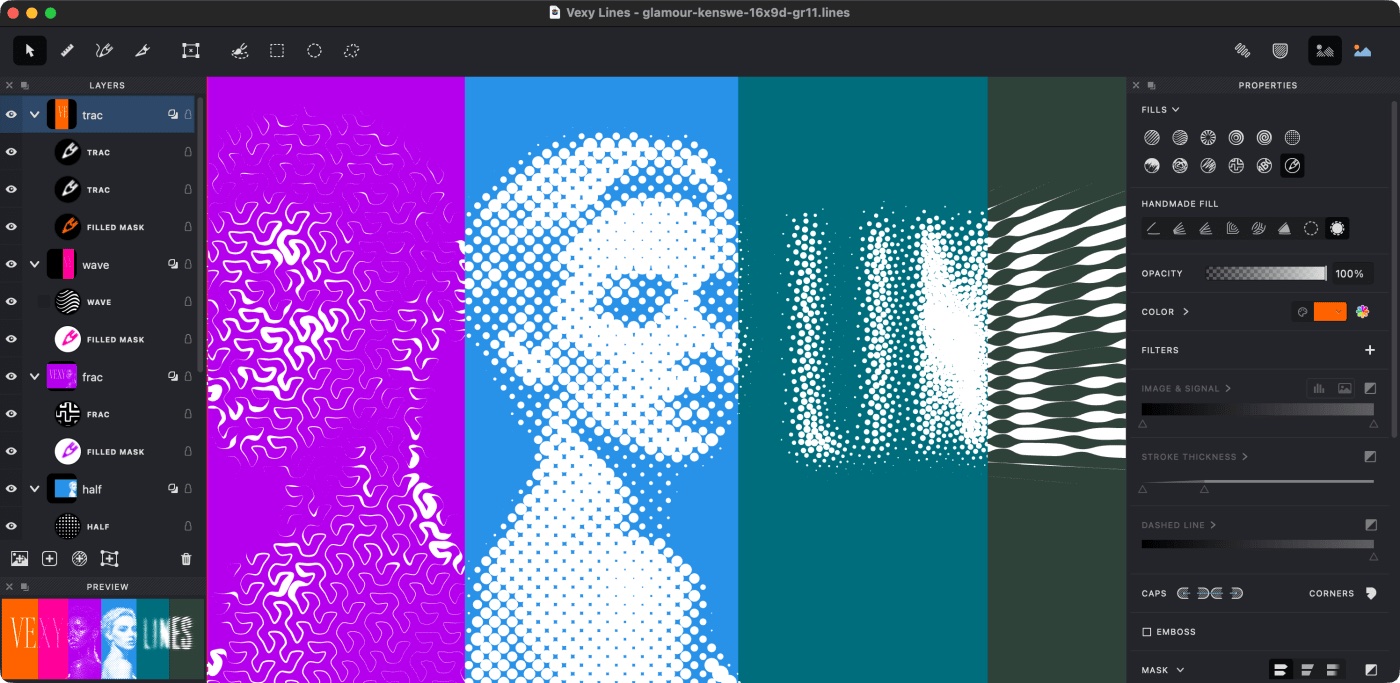
Hover to compare the same image with a grayscale treatment. Both images link to Vexy Lines. The treatment is decorative; no essential information requires hover.
<div class="fltheme-components">
<a class="du-hover-gallery" href="https://www.vexy.art/lines/" style="max-width:30rem"><img alt="Vexy Lines workspace" src="https://i.vexy.art/vl/landing/home-vexy-lines.jpg"><img alt="The same workspace with a grayscale treatment" src="https://i.vexy.art/vl/landing/home-vexy-lines.jpg" style="filter:grayscale(1)"></a>
</div>
Syntax and variants in daisyUI
Hover 3d · daisyUI
Hover 3D adds spatial feedback to non-interactive content. Never place nested buttons or links inside it. If the whole object is an action, make the wrapper the single link and give it an explicit focus label.
Resting composition
The content and hierarchy are complete before any pointer arrives.
<div class="fltheme-components">
<div class="fl-ui">
<div aria-label="Decorative tilted sample" class="du-hover-3d">
<div class="du-card bg-base-200">
<div class="du-card-body">
<h3 class="du-card-title">Resting composition</h3>
<p>The content and hierarchy are complete before any pointer arrives.</p>
</div>
</div>
<div></div>
<div></div>
<div></div>
<div></div>
<div></div>
<div></div>
<div></div>
<div></div>
</div>
</div>
</div>